Guides
Switching videography software: a pilot-first method
A method for switching videography software: list what the old tool holds, pilot one finished project, and keep the old plan until retrieval is proven.
What to take away
- A move is a data job first and a software preference second. List what the old tool holds before you open the new one.
- Move one finished project as a pilot. Live jobs stay where they are until its cuts, comments and approvals all come across.
- Three vendor questions, on export, interchange and cancellation, decide whether a decision is reversible. Ask them of both tools.
- Keep paying for the old plan until you have retrieved what you need and opened it elsewhere.
Before you switch at all
Switch only when the old tool has a problem you can name. Switching costs weeks of speed and years of muscle memory, so a client's or collaborator's preference is rarely reason enough. Delivering in the formats they need is almost always possible.
Good reasons are specific. The old tool failed the exit test, cannot carry a real job from ingest through archive, lacks the permissions your clients need, or has subscription terms that no longer fit the work. Each one is a vendor question you can put to the tool, and the answer is already no.
If the doubt is whether the tool earns its place at all, look first at the numbers each tool produces. A tool that produces them may only need configuring, and then there is nothing to migrate.
List what the old tool holds
Write down every kind of record the old tool keeps before you export anything. Source media is the obvious item. Review comments, approvals, version history and metadata each need their own line, because nobody opens them until a client asks about an old decision.
| What the old tool holds | Export test | Who needs it later |
|---|---|---|
| Original source media | Open the files without the old tool | Whoever re-cuts an old project |
| Project files and timelines | Open the timeline in another tool and check the cuts and metadata | Whoever edits |
| Review comments and approvals | Save a readable copy of each round | You, if a client revisits a decision |
| Version history | Confirm what survives the export | Whoever edits |
| Costs by project | Export to your accounting workflow | You and your bookkeeper |
Timelines are the hard row. A timeline that opens elsewhere but loses its cuts has been copied, not exported.
Each editing tool keeps its timeline in its own project format. Adobe Premiere Pro, DaVinci Resolve, Final Cut Pro and Avid Media Composer are examples, and a native project file from one is not designed to open in another. That gap is why interchange formats exist.
Where both tools support them, test AAF, EDL or XML interchange on a real project and verify that the cuts and the metadata you need survive. An EDL is the most basic of the three, a cut list, so expect it to carry less than AAF or XML.
Ask the new vendor the daily-work questions
Put the vendor questions to the new tool before you commit. In a move, four of them are about daily work, and they decide whether your editor can start on day one without a workaround.
- Does it support the codecs, frame sizes and frame rates your cameras deliver?
- Can you set separate permissions for editors, clients, contractors and administrators?
- Does it work with the upload speeds at your shoot and edit locations?
- Can the team reach shared media without conflicting copies or overwritten edits?
Twelve questions before any trial
- Export your own data in a readable format?
- Retain access if subscription lapses?
- Integrates with two tools you will keep?
- Cost per additional person, and scaling?
- Permissions granular enough for one project?
- Works from a phone on poor connectivity?
- Where is client material stored, who can reach it?
- Produces time or cost data for costing?
Three more questions are about leaving: export, interchange and cancellation. Today's new tool becomes tomorrow's old one, and the cheapest moment to learn its exit terms is before years of projects sit inside it.
Pilot with one finished project
Move one finished project into the new tool before any live job. A finished project has known cuts, known comments and a known approval, so every difference after the move belongs to the tool, not to the work.
- Pick a completed project with its awkward parts and leave the original untouched in the old tool.
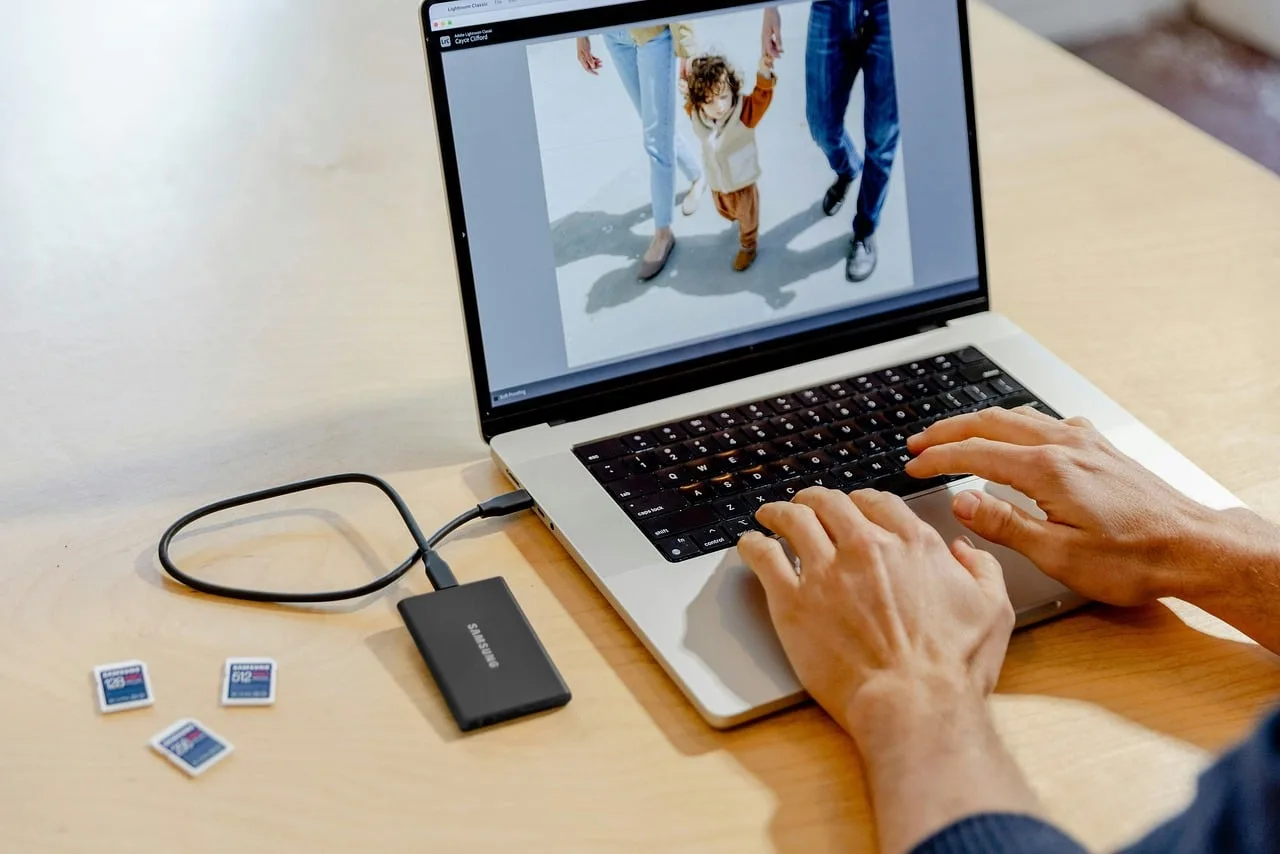
- Export source media, project files and timeline from the old tool in the formats you listed.
- Import everything into the new tool and compare the timeline with the old one, cut by cut.
- Have the person who will use it daily make a small change while you watch rather than drive.
- Export the material back out and test whether another tool can read it.
- Only then compare costs and fix a date for the old tool.
Trial run on real work
- Pick a completed project with awkward material
- Run it end to end through the candidate
- Time both paths and note stalls
- Daily user does the work, you watch
- Export everything and open it elsewhere
- Only then look at the price
A failure at step three is an interchange problem, and the pilot is the cheap place to find it. A failure at step five means the new tool is temporary however well steps one to four went.
Overlap the two tools until retrieval is proven
Do not cancel the old tool on the day the pilot passes. Its cancellation terms decide whether you can retrieve the complete project, with media, approvals and records, and for how long. Read them and test a retrieval before you stop paying.
The overlap costs two bills for a while. Put it into your subscription costs as a line of its own, because seats, storage, add-ons and renewals keep running on both tools until one is closed.
Decide who runs the move. Let the daily user decide inside constraints you set, since software chosen by an owner and used by an editor fails quietly. As hiring and training adds people, per-seat costs and permissions scale differently in each tool, so check both.
Keep client material and records safe in transit
A migration copies client material into new places, so treat every copy as something you hold for others. You keep unreleased products, unannounced hires, internal communications and footage of identifiable people. Know where each export lands and who can open it.
NIST's Small Business Cybersecurity Corner offers a finder for programs that help small businesses manage cybersecurity risks. If outsourced editors work in the tool, grant their access in the new tool and withdraw it from the old one in the same step.
Working security minimum
- Individual accounts, not a shared login
- Access removed the day someone leaves
- Review links that expire
- Multi-factor authentication on client material
- Written answer for a laptop stolen on location
Project costing has to survive the move too. Tag costs the same way in both tools during the overlap, so project-level costing never splits a job that straddles the switch. The IRS recordkeeping guidance says good records help identify sources of income and keep track of deductible expenses.
Common questions
How long should I keep the old subscription?
Until you have retrieved everything you need to keep and opened it in another program. How long retrieval stays possible after cancelling depends on that vendor's terms, so read them before you rely on it.
Do I have to move every old project?
No. Anything you must keep, such as originals, sign-offs and accounts, needs a home you can open without the old software. Whether it also lives in the new tool depends on whether you expect to re-cut it.
Is a free tier a safe place to land?
Sometimes, if it passes the exit test and the permissions are adequate. Check the free tier's access and role limits rather than its features alone.
What if the timeline loses cuts in the pilot?
Treat that as the answer for this pair of tools. Try another interchange format where both tools support it, and if none carries the cuts and the metadata you need, the new tool is a risk.